Plays nearly any format
FLAC, ALAC, MKV, HEVC, AV1, M4B, and more through the power of mpv.
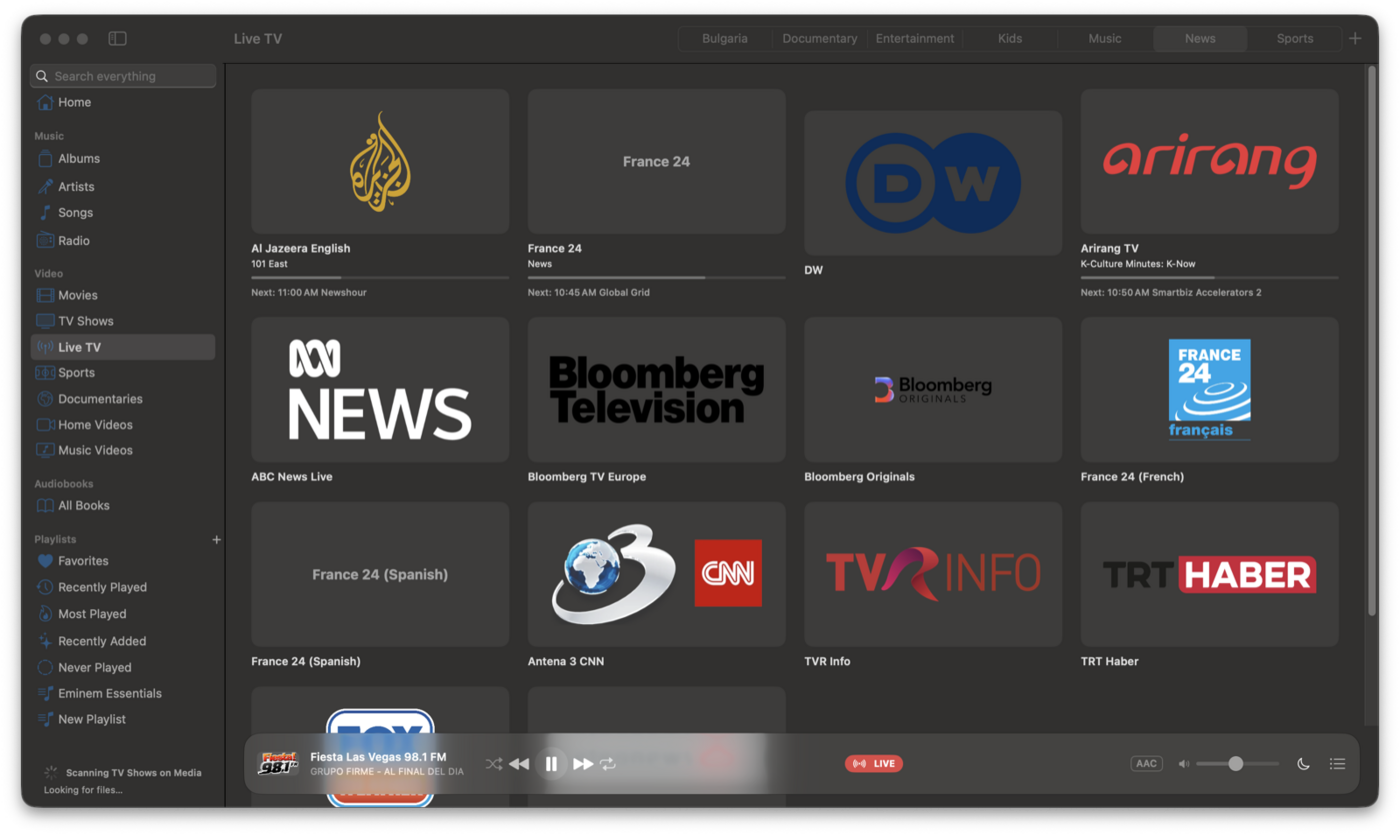
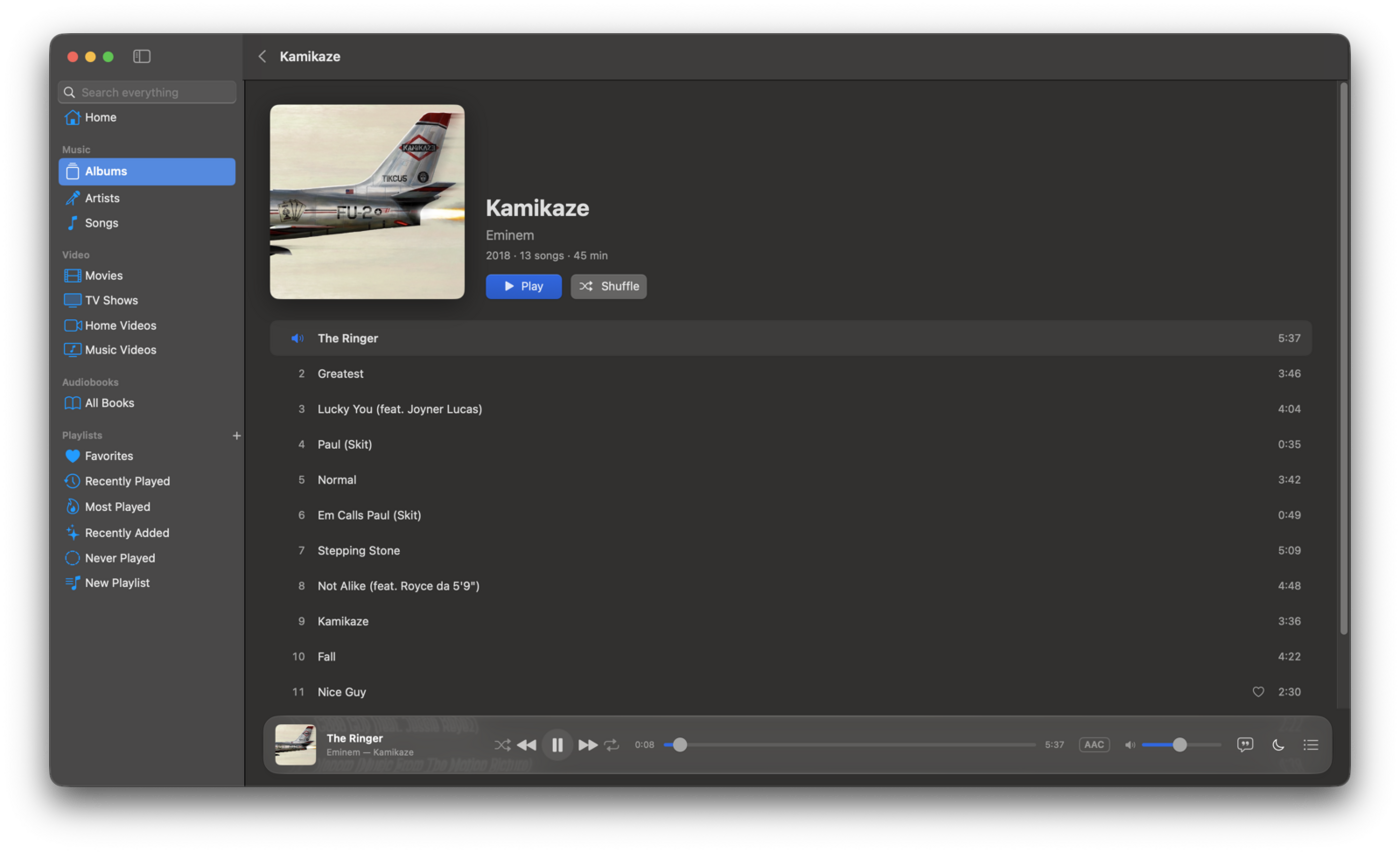
Movies, TV, live channels, and your music — in one place.
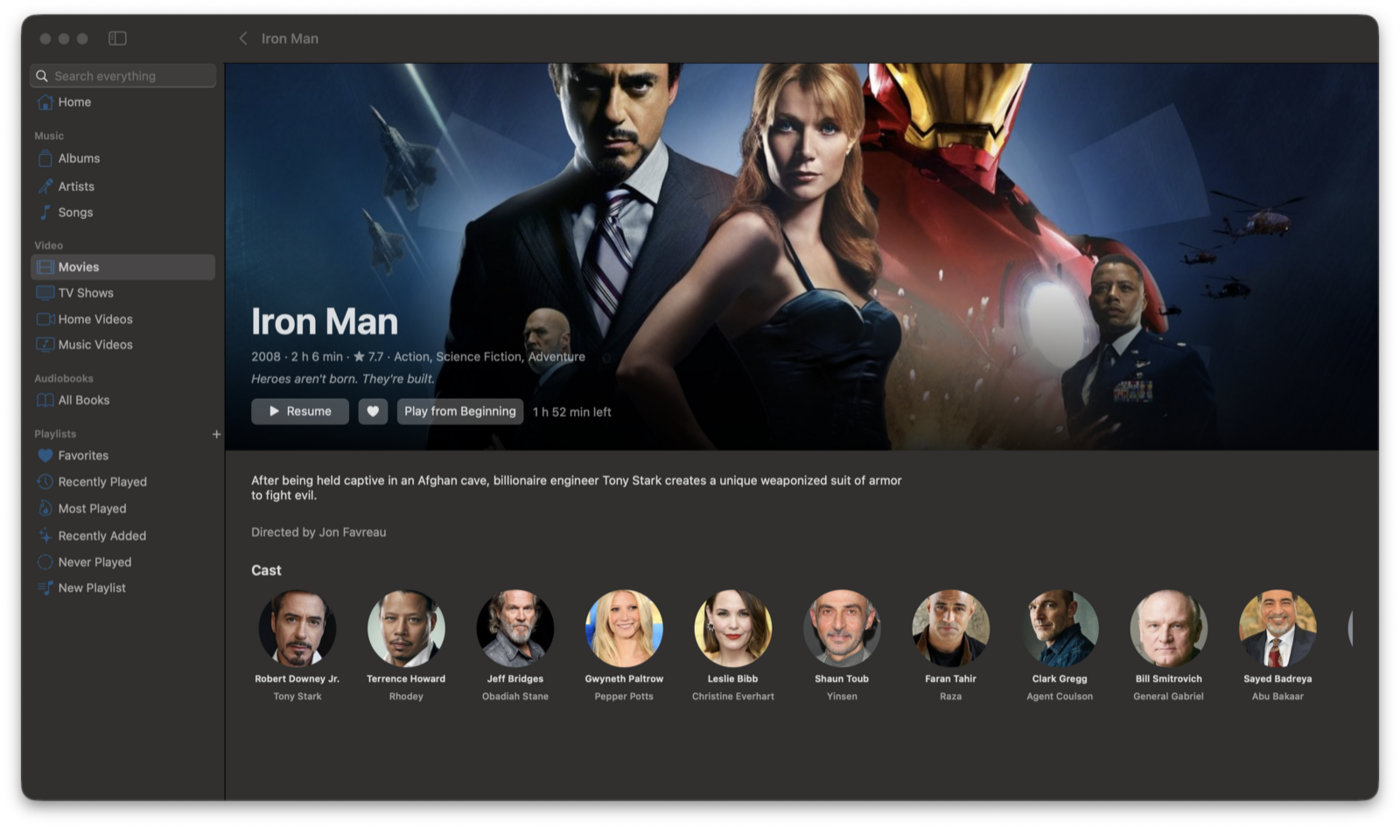
No store, no subscription, no account — just the files and streams you already have.
FLAC, ALAC, MKV, HEVC, AV1, M4B, and more through the power of mpv.
Watches Music, Movies, Downloads, and any folder you add — including NAS and network shares.
Albums, playlists, seasons and episodes, resume playback, subtitles, Picture in Picture, and Up Next.
Chaptered M4B or MP3 folders with speed control, sleep timer, bookmarks, and precise resume.
42 free channels streamed by broadcasters, plus your own M3U/XMLTV playlists and favorites.
Stations from the Radio Browser directory — by country, genre, or search — with favorites and now playing.
Send video to Apple TV and smart TVs on your network.
“Pause MacShow”, play by name, and macshow:// URLs for scripts and automation.
Control playback from the menu bar without leaving what you are doing.
The full app localized — interface and live TV tuned for both languages.
Edit metadata and artwork in MacShow without touching your files. Export playlists as M3U.
MIT licensed. Signed and notarized builds — download and run, no gatekeeping.
Standard Mac app install — no installer wizard.
Grab the latest MacShow.dmg from GitHub Releases.
Open the disk image and drag MacShow into your Applications folder.
The app is signed and notarized by Apple — safe to run on macOS 14 or later.